📅 Date: December 08, 2025
👩🏫 Presenter: Andrew Powers, Highline College StartZone and SBDC Certified Business Development Advisor
Overview
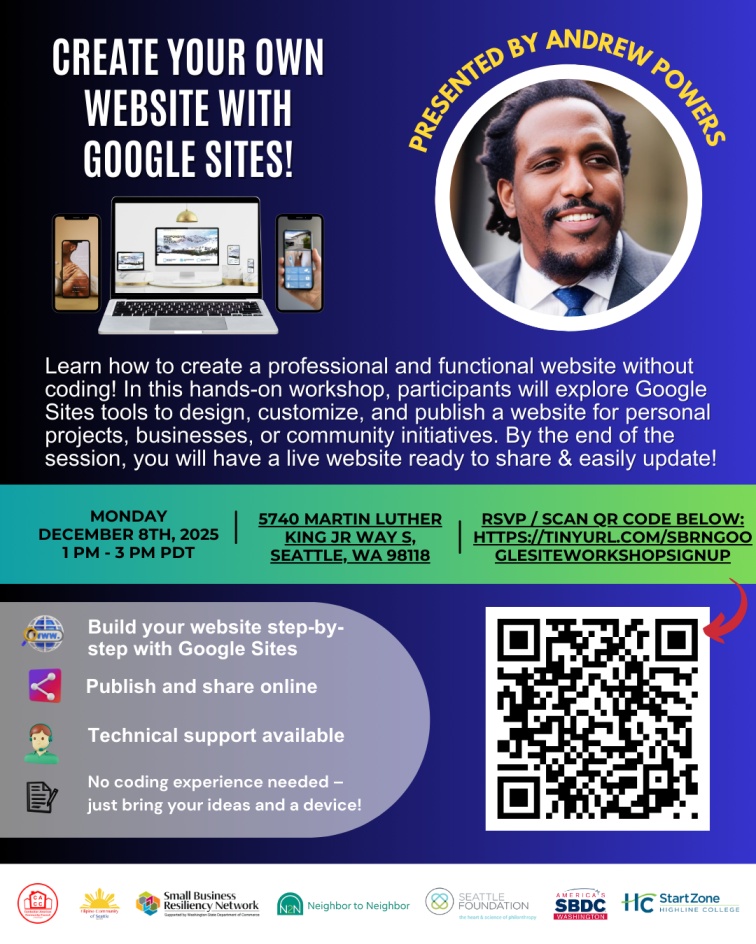
We recently hosted the Create Your Own Website with Google Sites workshop, led by Andrew Powers, who brings over three years of experience supporting South King County businesses.
Thank you to everyone who attended our Create Your Own Website with Google Sites workshop!
In this session, participants learned how to use Google Sites — a free, no-code website builder — alongside AI-assisted tools to create a professional online portfolio or business website. The workshop was designed to empower small business owners with practical digital skills to showcase their services, share key information with customers, and strengthen their online presence.
Here’s what we covered:
🌐 Introduction to Google Sites
- How to start a new site using a Google account.
- Choosing a layout and theme that matches your business brand.
- Google Sites is easy to use and doesn’t require coding, making it accessible even for beginners.
🧠 Using AI for Better Content
- How AI can help generate text for your website, suggest site structure, and brainstorm ideas.
- Tips for making sure the content reflects your business voice and mission.
- Combining AI with Google Sites can save time and help create a more engaging website.
🎨 Customizing Your Site
- Adding images, testimonials, and videos to make your portfolio stand out.
- Using drag-and-drop editing to move sections, embed Google Drive files, and organize content clearly.
- This step helps make your site visually appealing and easy for visitors to navigate.
📤 Publishing & Sharing
- How to publish your site publicly so customers can find it.
- Best practices for sharing your Google Sites URL on social media and business listings.
- We emphasized making sure important business details are easy to find and keeping the site up to date.
📌 Workshop Resources
1. Link to the presentation
- Building a Business Portfolio Site with Google Sites & AI https://docs.google.com/
presentation/d/ 1C3MLVgplenMy25NNsLka3gHyuLmJZ iH1LBKbI0MD4IY/present
2. Link to the Google Site with the 1hr Walkthrough Video
- Google & AI for Business Google Site – Google Sites Workshop
- https://sites.google.com/
highline.edu/aiworkshops/ training-series/build-a- website-with-ai/google-site- workshop
3. Link to the Walkthrough Video –
- Google & AI for Business – Google Sites & AI
- https://youtu.be/6vTxWuLAkS0?
si=RuFtNBLZdFCddfEj
4.Other Google Sites Walkthrough Videos
5. Other Tools we talked about
These both need the Google AI paid account
We hope these tools help you continue building and polishing your professional online presence. If you have questions or want further support, feel free to reach out — we’re here to help!